
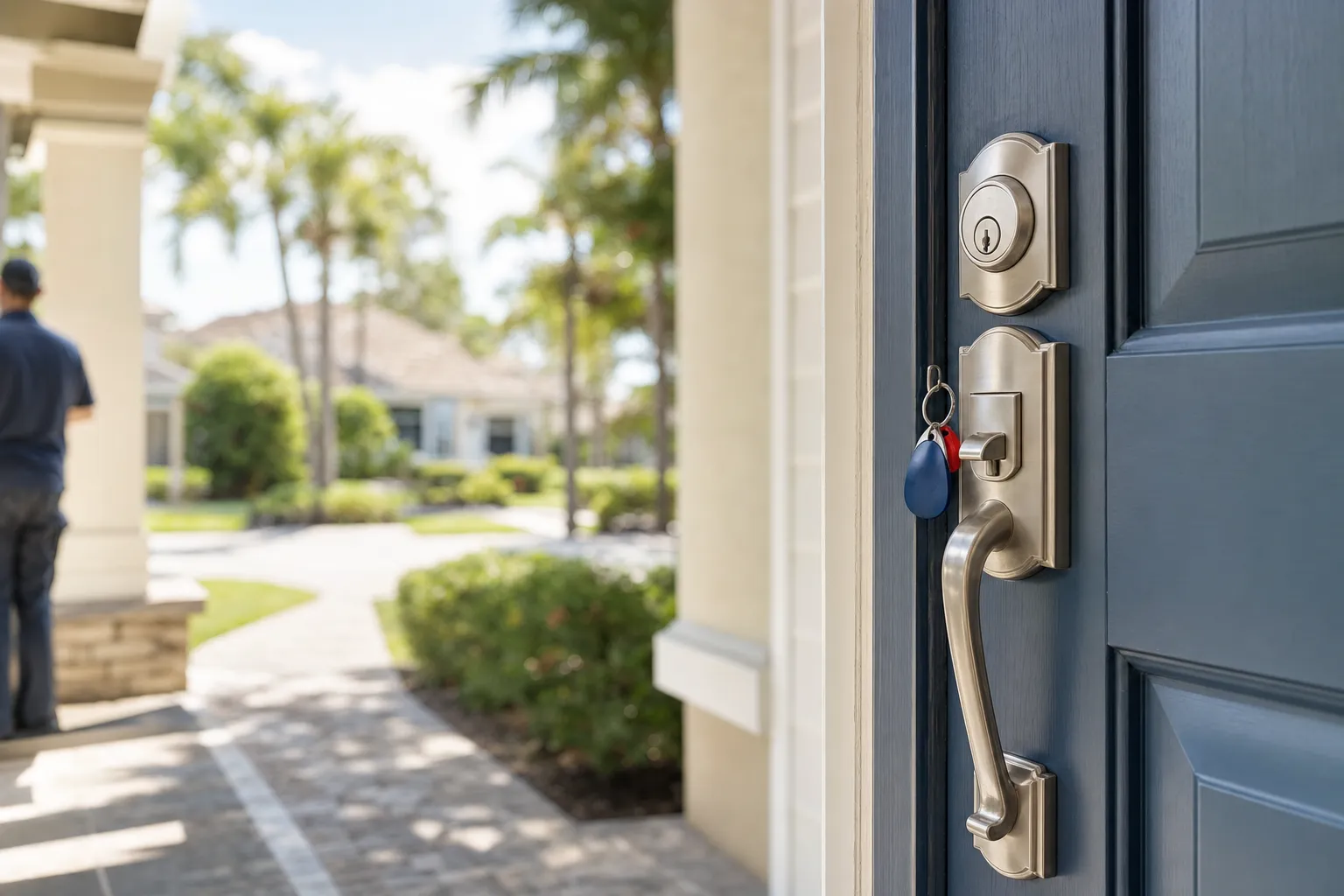
A strong residential locksmith service plan for smart locks focuses on four things: the right hardware for the door and network, secure and tested installation, clear access management, and scheduled maintenance with fast mobile response when needed. At Master Lockey we begin with an on site assessment, recommend compatible products, install and test both the mechanical and electronic systems, and show you how to manage access safely.
What a solid smart lock plan protects you against
Smart locks add convenience, but they also add points of failure and risk if they are not matched to the door, installed correctly, or kept up to date. A comprehensive plan reduces lockout risk, prevents network exposure, preserves emergency mechanical access, and lowers the chance of warranty or compatibility problems.
- Failed pairings or incompatible deadbolts that prevent locking or unlocking
- Battery failures or improper battery access that cause sudden lockouts
- Weak network setup that exposes access credentials
- Missing mechanical override or keyway that leaves no fallback
- Lack of a maintenance schedule that lets firmware or batteries fall behind
Key components of a smart lock service plan
1. On site assessment and hardware compatibility
We inspect the door, frame and existing cylinder to confirm the smart lock will fit and work reliably. That includes measuring backset and door thickness, checking strike plate alignment, and confirming the deadbolt type. We also confirm whether the home network, Wi Fi mesh or hub supports the lock protocol, such as Bluetooth, Z Wave, Zigbee or proprietary cloud connectivity. For manufacturer guidance on compatibility, we consult the lock maker documentation before recommending a model.
2. Mechanical backup and emergency entry planning
Good plans keep a reliable mechanical override. That might be a keyed cylinder, an externally accessible keyway, or a secondary keyed deadbolt. We verify that mechanical access works after installation and that homeowners understand where physical keys and backup procedures are kept. Mechanical backups prevent lockouts when batteries fail or a network outage stops electronic access.
3. Secure network setup and firmware management
We set up the lock on your network with secured Wi Fi or a separate smart home VLAN when possible. We ensure default passwords are changed and we enable two factor authentication where the manufacturer supports it. Firmware updates can fix security issues and improve reliability, so the plan includes checks for manufacturer updates and a schedule to apply them.
4. Access control and user management
Smart lock plans define who gets access, how access is granted, and how it is revoked. For families, that may be permanent codes and app access. For rental or property management situations, that may be time limited codes, guest codes, or temporary app keys. We document each access type, show you how to manage users in the app, and recommend policies for lost phones or ex tenant turnover.
5. Battery and maintenance schedule
Battery failure is the most common cause of smart lock problems. A service plan includes recommended battery type, an expected replacement interval, and scheduled check ups. We also inspect mechanical components, lubricate where appropriate, and verify the lock alignment annually or after heavy weather events.
How we approach a smart lock installation, step by step
- On site evaluation. We examine the door, existing hardware, mounting surface and network environment to confirm compatibility and identify any prep work.
- Product recommendation. We recommend lock models that match your door, your ecosystem and your privacy needs, referencing manufacturer compatibility notes.
- Preparation and retrofit. We prepare the door and strike, adjust alignment and fit the mounting plate so the electronic and mechanical parts operate smoothly.
- Electronic setup. We connect the lock to the network or hub, pair it with the app, and configure user credentials and security settings.
- Mechanical verification. We test the keyed override and any secondary mechanical access to make sure you have a reliable fallback.
- Walkthrough and documentation. We show you how to use the lock, manage users, change batteries and where to find the backup keys or codes. We leave a simple access log and maintenance checklist with each homeowner.
Pro tip: Choose locks that support local keypad codes and a mechanical key override. That gives you the convenience of app control and the reliability of a simple keyed fallback during power or network outages.
Maintenance tasks we include in a plan
Maintenance reduces emergency calls and extends the life of both the lock and door hardware. A plan typically includes:
- Battery checks every 6 to 12 months and replacement guidance.
- Firmware checks when manufacturers release security updates.
- Mechanical inspection of the cylinder, strike plate and alignment after seasonal temperature changes.
- Verification of user lists and removal of old codes for rentals or turnovers.
What to have ready for a smart lock appointment
- Existing keys and any installation instructions you received from the lock manufacturer
- Access to your home Wi Fi network name and password, or hub credentials if you use a smart home hub
- A list of users who need permanent access and any temporary guest schedules
Common questions and things that go wrong
Some problems come up more often than others. Knowing these in advance helps you pick a plan that avoids them.
- Incompatible door prep prevents a flush fit and can cause the lock to bind. We detect that on the initial visit.
- Low quality batteries let the lock operate intermittently. We recommend high drain rated alkaline or lithium cells depending on the model.
- Poor Wi Fi signal at the door causes intermittent cloud features. A dedicated door side extender or local bridge may be needed.
- Unclear user policies mean old codes remain active after a tenant leaves. We include a user management review in the plan.
Watch out: Pairing a lock without checking the mechanical fit or alignment can void warranties or damage the lock. For installations we handle, we verify both mechanical and electronic compatibility to avoid those outcomes.
How smart locks fit into wider home security
Smart locks are one layer in a home security strategy that can include reinforced strike plates, door viewers, and alarm systems. For multiunit properties, smart locks integrate with access control and property management workflows. If you manage rentals or an HOA, we can coordinate smart lock features with property turnover practices and key control policies.
Learn more about smart lock types and how they compare on our topics page about Smart Locks, and see how lock selection affects installation on our Lock Types page.
For installation and on site work, our Residential Locksmith Service covers the steps above, and our Mobile Locksmith Service lets us come to your home in Bradenton and surrounding areas to handle installations or emergency responses. For broader planning across multiple units, the Rekey Locks service may also be relevant if you need a controlled mechanical key system.
Key takeaway
A strong residential smart lock plan pairs correct hardware with secure installation, tested mechanical backups, clear access policies and scheduled maintenance. We design plans to lower lockout risk and keep your home secure while preserving the convenience you expect from smart devices.
Frequently asked questions
Will my existing deadbolt work with a smart lock?
Many smart locks are designed to replace a single cylinder deadbolt, but compatibility depends on backset, door thickness, and whether you have a mortise style lock. We perform an on site assessment to confirm fit before recommending a model.
What if the battery dies and I am locked out?
Good plans keep a mechanical override and a known place for physical keys. We verify the keyed override during installation and show you how to use it. For emergency situations our Mobile Locksmith Service is available to assist in the region.
Are smart locks secure from hackers?
Smart locks vary by manufacturer. Security depends on using strong network passwords, updating firmware, and enabling two factor authentication when available. We configure locks with security best practices and help you maintain them.
How often should I replace smart lock batteries?
Battery life depends on the model and usage. Many batteries last six to twelve months. Plans include scheduled checks and battery replacement guidance so you avoid unexpected failures.
Can smart locks be used for rental properties?
Yes. Smart locks can issue temporary codes or time limited app access. For rental workflows we document code expiration policies and provide turnover checks as part of the service plan.
Do smart locks need professional installation?
Some homeowners can install basic models, but professional installation reduces risks from poor alignment, voided warranties, and insecure network configuration. We provide installation that covers mechanical prep, secure pairing, and user training.
Learn more and check our local presence
Read customer reviews and get directions on our Google Business Profile to see how we respond in the Bradenton area and nearby communities. For more reading, explore our Smart Locks topic page and our Residential Locksmith Service page to understand the services that support a reliable plan.